
Report
Event Report
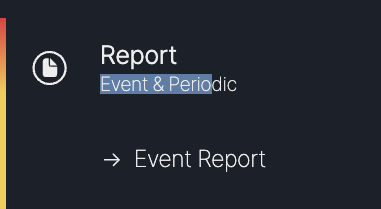
The Event Report menu can be found in the Report section of the left sidebar.
Event Report List
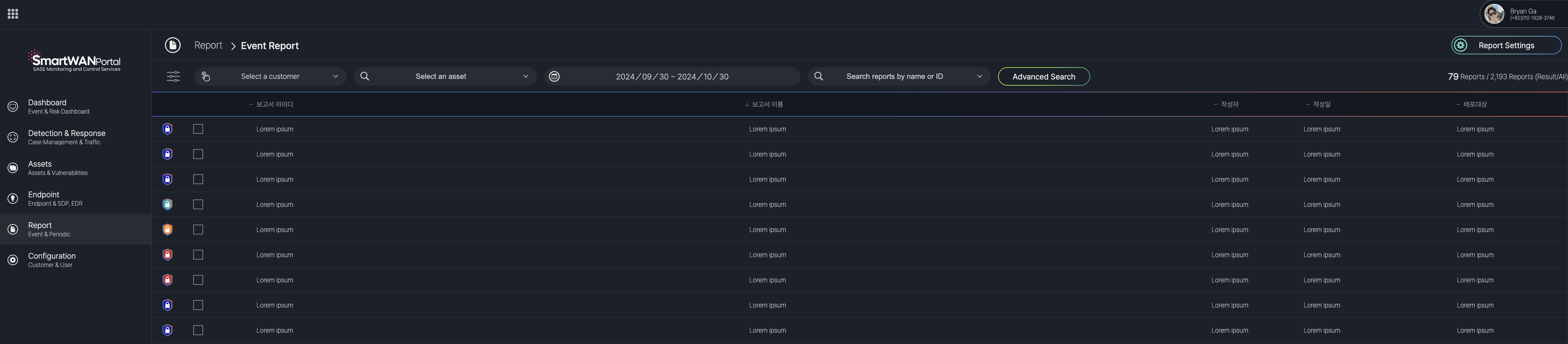
The Event Report menu in the SmartWAN Portal displays a list of generated reports for events.
Accessible under the "Report" section, it includes filters for selecting a customer, asset, and date range, a search bar for reports by name or ID, and an "Advanced Search" option.
Event Report Details
The Event Report Detail Screen in the SmartWAN Portal is displayed when a report is selected from the Event Report menu. It provides a comprehensive view of the report, organized into multiple sections accessible via tabs at the top of the screen.
Report Sections (Tabs) Table
| Tab Number | Section Name | Description |
|---|---|---|
| I | Overview | Provides a summary of the report, including title, ID, reporter, date, and analysis period. |
| II | Statistics | Displays statistical data related to the incident, such as event counts and asset details. |
| III | Analysis | Details the analysis of the incident, including root cause and impact assessment. |
| IV | Remediation | Outlines the remediation steps taken to resolve the incident. |
| V | Conclusion | Summarizes the outcomes and conclusions of the incident response. |
| VI | Recommendations | Offers recommendations to prevent similar incidents in the future. |